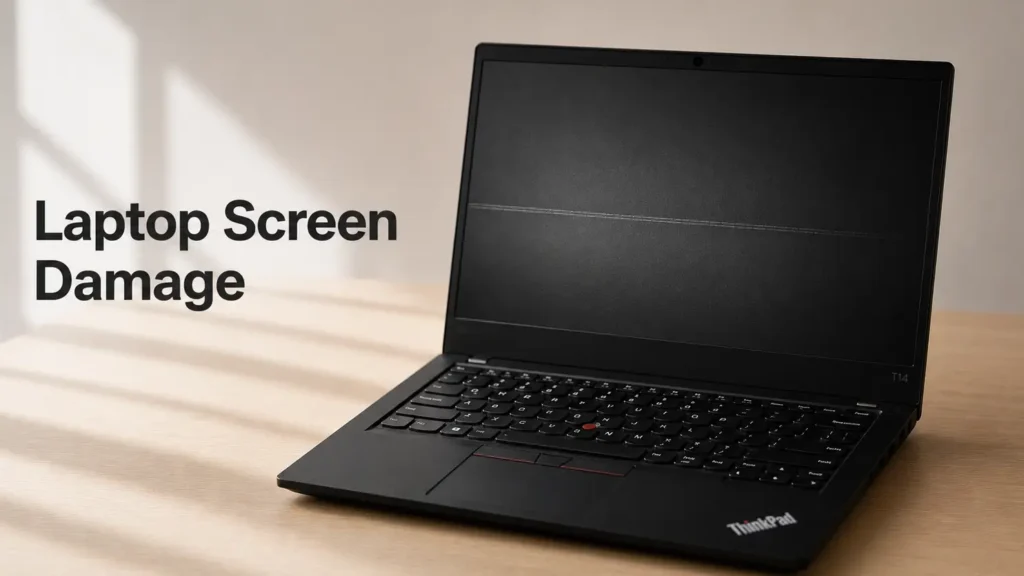
Laptop screen damage can happen more easily than most people think. And interestingly, some of the most common causes of display damage are not manufacturing defects or expensive hardware failures. Sometimes the problem comes from simple everyday habits that most users never even think about.
Over the years, while buying, testing, and selling used laptops, I noticed one surprisingly common issue across many different models. It did not matter whether the laptop was:
- expensive or cheap;
- old or brand new;
- Dell, Lenovo, Acer, HP, ASUS, or another brand.
The same type of screen damage appeared again and again.
Once you notice it, you start seeing it everywhere.
In many cases, the problem was not caused by gaming, overheating, or hardware abuse. Instead, it came from something much simpler:
- closing the laptop too aggressively;
- putting pressure on the lid;
- carrying the laptop incorrectly;
- or placing heavy objects on top of it.
Modern laptop displays are incredibly thin. While that helps make laptops lighter and more portable, it also means the screen assembly is more sensitive to pressure than many users expect.
In this guide, I want to explain:
- how laptop screens actually get damaged;
- what habits can slowly cause problems over time;
- and what you can do to protect your laptop properly.
Because in many cases, avoiding display damage is much easier than repairing it later.
How Laptop Screens Actually Get Damaged
Before talking about bad habits, it helps to understand why laptop displays are so sensitive in the first place.
Modern laptops use very thin LCD or OLED display panels protected by equally thin lids and bezels. Compared to older laptops from 10–15 years ago, many modern devices prioritize:
- portability;
- thinner designs;
- lighter materials;
- and minimal bezels.
The downside is that there is often less structural protection around the display itself.
Even small amounts of repeated pressure can sometimes cause:
- keyboard marks;
- pressure spots;
- scratches;
- horizontal lines;
- or permanent display damage.
And no — this does not always happen instantly.
In many situations, the damage appears gradually over time after repeated pressure on the screen.
That is why some people suddenly notice strange marks on their display months later without understanding what caused them.
Not Every Screen Line Means the Same Thing
This is extremely important to understand.
Not every line or mark on a laptop screen is caused by physical pressure.
For example:
- GPU problems can create artifacts;
- damaged display cables can cause flickering;
- dead pixels may appear naturally;
- panel defects can also happen.
However, physical pressure damage usually has different characteristics.
In many cases, users notice:
- faint horizontal keyboard marks;
- pressure spots;
- uneven discoloration;
- scratches;
- or lines appearing exactly where the keyboard touches the display.
This type of damage is especially common on thinner laptops where the gap between:
- the keyboard;
- and the display panel
is extremely small.
Closing the Laptop Too Aggressively
This is probably one of the most common bad habits.
And honestly, many people do it without even thinking about it.
Some users close their laptops very quickly or with excessive force, especially during:
- work;
- school;
- gaming sessions;
- or travel.
Sometimes the display lid slams directly into the keyboard area.
One accidental closure probably will not destroy the laptop immediately. But repeated impact over time can increase the risk of:
- keyboard marks;
- scratches;
- pressure lines;
- or hinge wear.
I actually noticed this problem quite often on used laptops. Some devices looked perfectly fine externally, but after turning on the display, faint horizontal marks from the keyboard were clearly visible.
And once those marks appear permanently, there is usually no easy fix besides replacing the screen.
Why Keyboard Marks Appear on Laptop Screens
Many people are surprised when they discover keyboard-shaped marks on their display.
The reason is fairly simple.
When pressure pushes the display against the keyboard surface, tiny contact points slowly affect the outer display layer.
This can happen because of:
- aggressive closing;
- carrying pressure;
- heavy objects;
- tight backpacks;
- or stacked laptops.
In some cases, the marks are only cosmetic and visible mainly when the screen is off.
But in worse situations, pressure may eventually contribute to:
- visible lines;
- damaged LCD layers;
- or permanent pressure spots.
Modern ultra-thin laptops are especially vulnerable because the gap between the keyboard and display is often extremely small.
Putting Heavy Objects on Top of the Laptop
This is another surprisingly common mistake.
Some users place:
- books;
- notebooks;
- chargers;
- tablets;
- or other heavy items
on top of a closed laptop without thinking much about it.
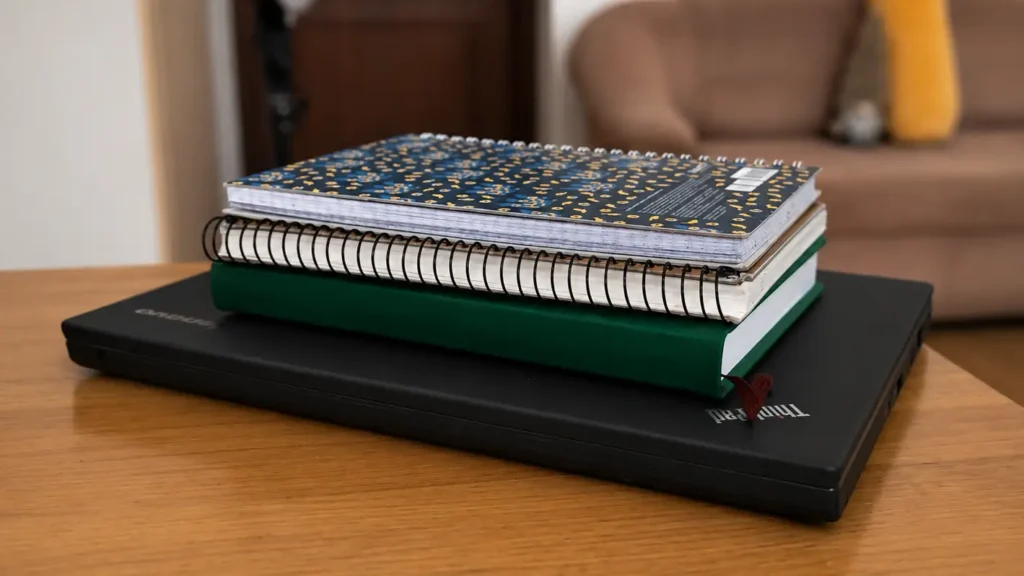
At first glance, the laptop may seem strong enough to handle the pressure. But over time, repeated weight can slowly stress the display panel underneath.
And yes — even if the laptop is closed carefully, pressure from above can still push the screen into the keyboard.
This is especially risky if:
- the laptop is already thin;
- the backpack is tightly packed;
- or the device is transported frequently.
In some cases, users only discover the damage weeks or months later.
Backpack Pressure Can Damage Laptop Screens
This is something many people completely overlook.
A laptop inside a backpack is rarely sitting in perfect conditions. Depending on what else is inside the bag, the laptop may constantly experience pressure from:
- books;
- water bottles;
- chargers;
- hard objects;
- or other electronics.
If the backpack is tightly packed, that pressure may transfer directly to the display.
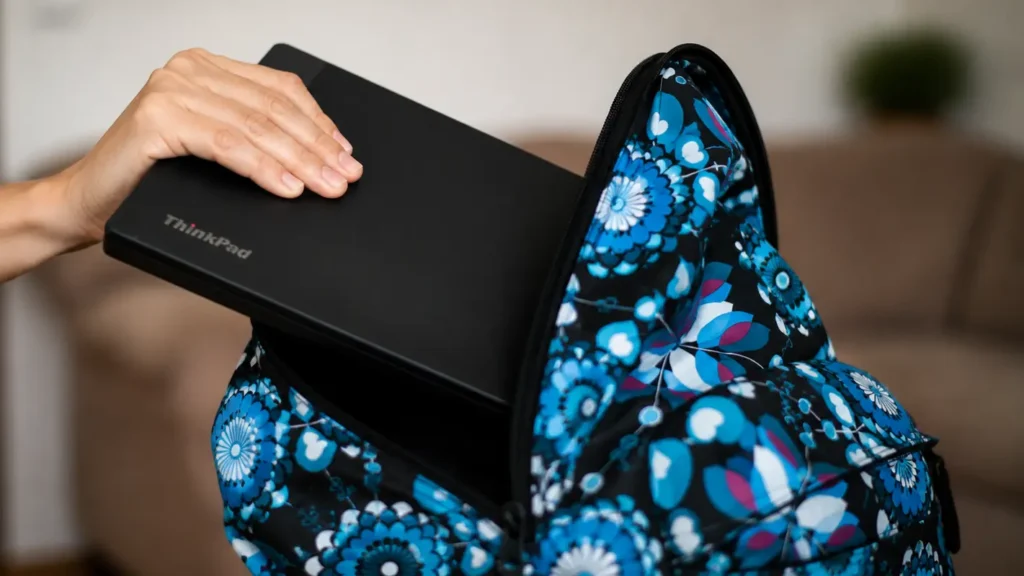
Over time, this can increase the risk of:
- keyboard marks;
- pressure spots;
- display flex;
- or scratches.
And honestly, this issue is more common than many people think.
I personally did not pay much attention to this until I started seeing similar pressure-related marks repeatedly on used laptops.
Stacking Laptops on Top of Each Other
This is one of the more interesting things I noticed while dealing with used laptops.
In some cases, sellers or repair shops stack multiple laptops directly on top of one another to save space.
From the outside, the devices may still look fine. But internally, the pressure on the displays can become surprisingly high.
And unfortunately, laptop lids are not designed to handle heavy long-term pressure from multiple devices stacked together.
This may contribute to:
- display pressure damage;
- weakened hinges;
- screen flex;
- or keyboard marks over time.
Of course, not every stacked laptop will instantly develop problems. But repeated pressure definitely increases the risk.
Modern Thin Laptops Are More Sensitive Than Older Models
One important thing many users overlook is how thin modern laptops have become.
Older laptops were often:
- thicker;
- heavier;
- and more rigid.
Meanwhile, many modern ultrabooks focus heavily on:
- portability;
- slim designs;
- lightweight materials.
While this looks great aesthetically, thinner designs sometimes leave less room for structural reinforcement around the display.
That means modern laptops may:
- flex more easily;
- transfer pressure more directly;
- and become more sensitive to physical stress.
This is especially noticeable on:
- ultrabooks;
- lightweight business laptops;
- and ultra-thin gaming laptops.
Dirty Keyboards Can Also Contribute to Marks
This is another detail many users ignore.
Dust, debris, or tiny particles trapped on the keyboard can increase the risk of scratches when pressure pushes the display against the keys.
Even small particles may leave visible marks over time.
That is why cleaning the keyboard occasionally is actually more important than many people think.
A clean keyboard reduces:
- friction;
- pressure points;
- and the chance of tiny scratches appearing on the display surface.
Is Closing the Laptop Gently Really That Important?
Honestly — yes.
You do not need to treat your laptop like fragile glass, but simple habits can make a noticeable difference long term.
Closing the lid gently helps reduce:
- sudden pressure;
- display flex;
- hinge stress;
- and keyboard impact.
And considering how expensive modern laptop displays can be, this is one of the easiest forms of prevention possible.
Especially on premium ultrabooks, display replacements can sometimes cost hundreds of dollars.
How to Protect Your Laptop Screen Properly
The good news is that preventing most pressure-related screen problems is fairly simple.
You usually do not need expensive accessories or complicated solutions.
Small everyday habits often matter the most.
1. Close the Laptop Carefully
Avoid slamming the lid shut.
Simply closing the laptop gently already reduces unnecessary stress on the display and hinges.
This is probably the easiest habit to improve immediately.
2. Avoid Putting Heavy Objects on Top
Try not to place:
- books;
- tablets;
- chargers;
- or other heavy objects
directly on top of a closed laptop.
Even if the lid feels solid, repeated pressure is still not ideal for the display underneath.
3. Use a Proper Laptop Sleeve
A padded laptop sleeve can help reduce pressure during transport.
This becomes especially important if you frequently carry your laptop inside:
- backpacks;
- travel bags;
- or crowded luggage.
4. Avoid Overpacking Your Backpack
This is a very common mistake.
If the backpack is packed too tightly, pressure may constantly push against the laptop lid during movement.
Try to avoid placing hard or heavy objects directly against the laptop compartment whenever possible.
5. Keep the Keyboard Clean
Occasionally wipe:
- dust;
- crumbs;
- or particles
from the keyboard area.
This simple habit may help reduce the risk of display scratches and marks over time.
6. Do Not Stack Multiple Laptops Together
If you work with multiple laptops, avoid stacking them directly on top of each other for long periods.
Even if no damage appears immediately, unnecessary pressure is never ideal for modern thin displays.
Can Keyboard Marks Be Removed?
It depends on the type of damage.
Sometimes the marks are only superficial oils or dirt that can be cleaned carefully with:
- microfiber cloths;
- display-safe cleaners;
- or distilled water.
But if the display layer itself is physically damaged, permanent marks may remain visible.
Unfortunately, true pressure damage usually cannot be fully repaired without replacing the screen.
Why This Problem Is More Common Than People Think
Honestly, many users simply never connect the dots.
They notice:
- faint lines;
- keyboard marks;
- or pressure spots
months later and assume the display randomly failed.
But after seeing many used laptops over the years, I started noticing the same patterns repeatedly.
And surprisingly often, the issue was not caused by:
- gaming;
- overheating;
- or manufacturing defects.
It was simply long-term physical pressure and everyday handling habits.
Incorrect display settings can sometimes make a screen look worse than it actually is.
You can also check our monitor settings guide.
Final Thoughts
Laptop screens are much more delicate than they may appear.
And while modern laptops are incredibly portable and powerful, thinner designs also make displays more sensitive to pressure and improper handling.
The good news is that avoiding many of these problems is actually very simple.
Small habits like:
- closing the laptop gently;
- keeping pressure off the lid;
- cleaning the keyboard;
- and transporting the laptop carefully
can help reduce the risk of:
- scratches;
- keyboard marks;
- pressure spots;
- and potential screen damage over time.
After working with many used laptops, this is one of those problems I started noticing everywhere once I understood what causes it.
And honestly, most people are probably damaging their laptop screens accidentally without even realizing it.