For the last few years, the RTX 3060 has been one of the most popular GPUs for mainstream PC gaming. And honestly, for good reason.
It was quiet, efficient, relatively affordable, and powerful enough for 1080p and even some QHD gaming. For many players, including myself, it was the perfect “do everything” graphics card.
But after upgrading to a 4K 120Hz TV, things slowly started to change.
Modern games became significantly heavier, VRAM usage increased dramatically, and even though the RTX 3060 was still a great card, I realized it was no longer enough for the type of gaming experience I wanted.
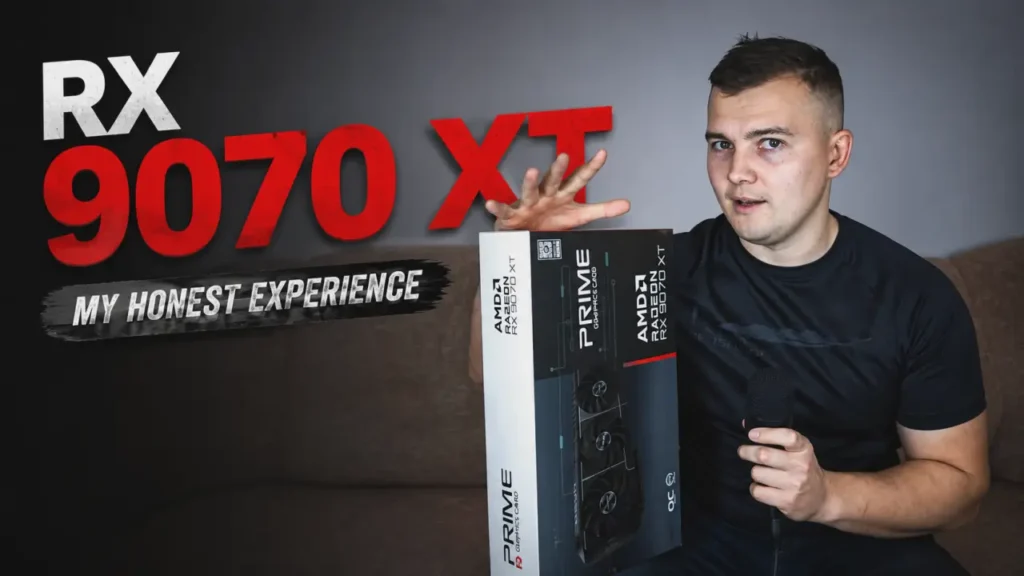
So after years of using NVIDIA GPUs, I finally switched to AMD and bought the RX 9070 XT.
After using this GPU extensively across gaming, video editing, AI software, and everyday desktop usage, I can finally share my honest experience.
This article is not a synthetic benchmark review.
It is simply my real-world experience switching from an RTX 3060 to the RX 9070 XT.
My Current Setup
Right now, my RX 9070 XT is connected to two completely different displays:
- a TCL 55C805 4K 120Hz TV through HDMI,
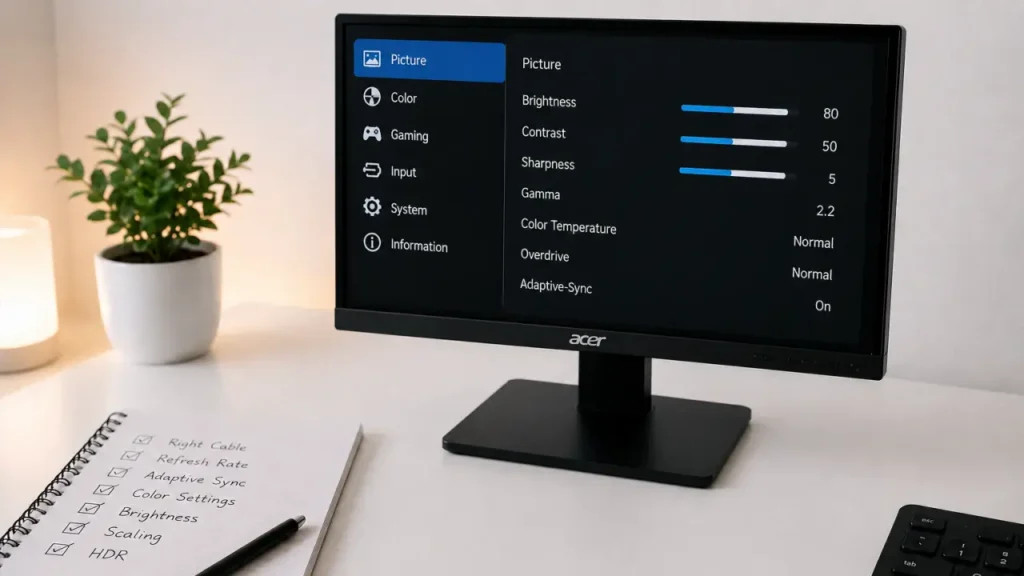
- and an Acer Full HD monitor through DisplayPort.
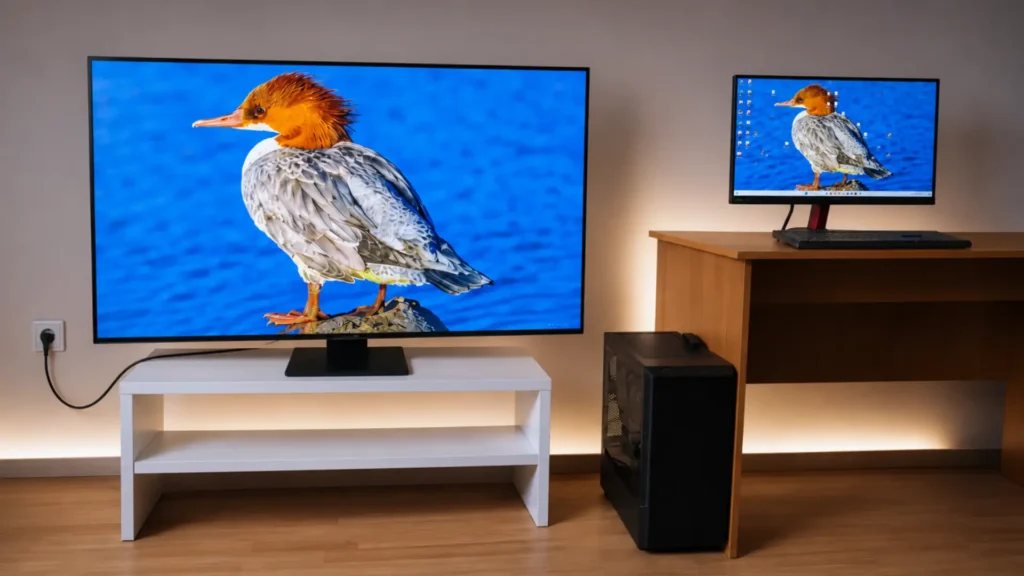
This setup works surprisingly well overall, but it also introduced one annoying issue I did not expect.
Sometimes, custom GPU settings inside AMD Adrenalin reset themselves after switching between the TV and the monitor.
For example:
- I may use the PC on the TV one day,
- then switch back to the monitor,
- and suddenly some manually tuned settings disappear or revert.
Thankfully, this is not a catastrophic issue.
You can create profiles and restore them manually, or even automate the process with startup scripts. But honestly, it still feels inconvenient compared to the “set it once and forget it” experience many NVIDIA users are used to.
From my experience, the issue almost completely disappears if:
- you leave everything at default settings,
- or only use one display consistently.
So this is definitely something worth mentioning for people planning to use multiple displays with different resolutions and refresh rates.
Why I Finally Upgraded From RTX 3060
Interestingly, even in 2026, I still think the RTX 3060 remains one of NVIDIA’s best-value GPUs for 1080p gaming. I also compared it directly against the RTX 4060 in a separate article.
The RTX 3060 is still a very good graphics card in 2026.
For 1080p gaming, it remains excellent.
Even QHD gaming is still realistic if you use optimized settings and technologies like DLSS.
The card is:
- quiet,
- power efficient,
- stable,
- and supported extremely well in most software.
I honestly still think the RTX 3060 was one of NVIDIA’s best-value GPUs ever released.
But 4K gaming changes everything.
After buying a TCL 55C805 TV with:
- 4K resolution,
- 120Hz refresh rate,
- AMD FreeSync support,
I started noticing the limitations of the RTX 3060 almost immediately.
Modern AAA games simply became too demanding.
Sure, some games were still playable, but compromises became too aggressive:
- lower textures,
- reduced settings,
- unstable frame rates,
- heavy reliance on DLSS,
- and increasing VRAM limitations.
At some point, I realized I needed something significantly more powerful.
Upgrading to RX 9070 XT Was More Expensive Than Expected
One thing many people forget when upgrading GPUs is that sometimes the GPU itself is not the only thing you need to replace.
In my case, buying the RX 9070 XT also pushed me toward upgrading other parts of my PC.
I upgraded:
- the motherboard,
- the CPU,
- and the power supply.
Originally, I was using an Intel Core i5-14400F, but I switched to an i7-12700KF instead.
Some people may see this as a downgrade because it is an older generation CPU, but in reality, the i7-12700KF is still an extremely capable processor.
It also avoids some of the instability concerns that many users reported with newer Intel generations.
My RAM and PC case remained the same, but the rest of the system definitely evolved around the GPU upgrade.
This is something many people should realistically consider before buying high-end hardware.
RX 9070 XT First Impressions — This GPU Is a Monster
The very first thing I noticed after installing the RX 9070 XT was simple:
This card is incredibly powerful.
Compared to the RTX 3060, the difference feels massive.
Games that previously struggled at 4K suddenly became smooth and enjoyable.
And not just older games.
I completed:
- Cronos: The New Dawn,
- the newer Resident Evil games,
- Alan Wake 2,
- and many other demanding titles on my 4K TV.
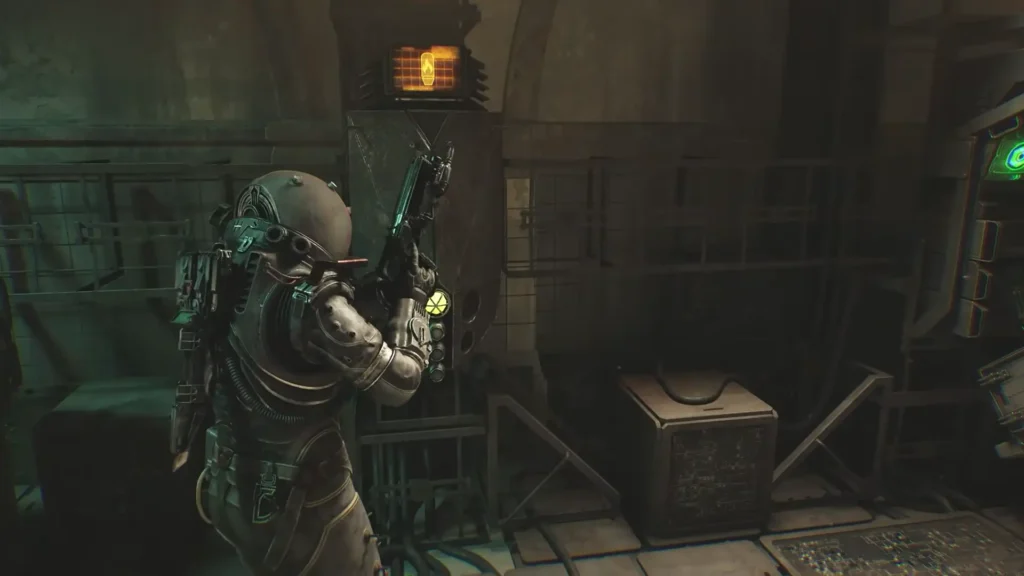
Usually I played using:
- FSR 4 Performance mode,
- High settings instead of Ultra,
- 4K 120Hz output,
- AMD FreeSync enabled.
And honestly?
FSR 4 is on a completely different level compared to older FSR versions.
A lot of people who only tested FSR 2 or FSR 3 still think AMD upscaling looks terrible.
But FSR 4 genuinely surprised me.
The image quality improvement is huge.
In many games, it finally feels like a serious competitor rather than just a “budget alternative.”
And importantly:
I did not even use Frame Generation.
Personally, I prefer stable native responsiveness over artificially inflated frame rates.
Even without Frame Generation, the experience was excellent.
For gaming, the RX 9070 XT simply feels like a beast.
My old RTX 3060 honestly deserves retirement after this upgrade.
The Biggest Downside — Noise and Power Consumption
Now let’s talk about the bad part.
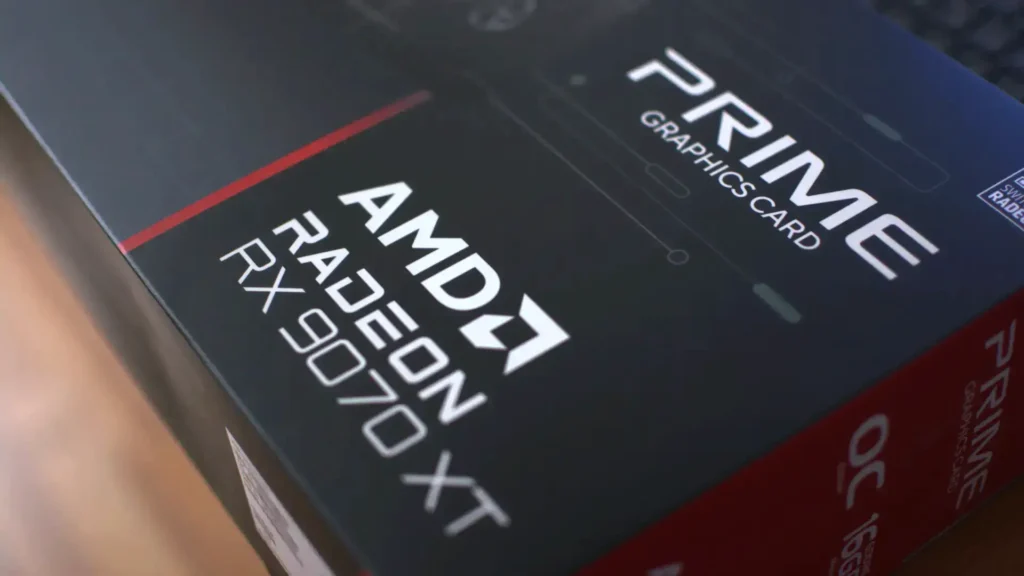
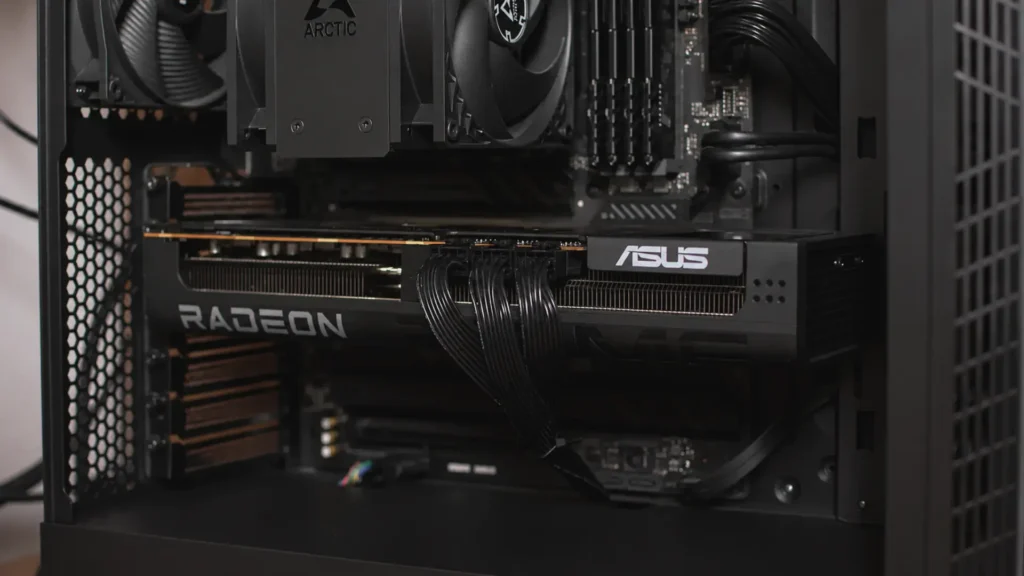
My particular RX 9070 XT model is an ASUS Prime edition — one of the cheaper variants available.
And the very first thing I noticed was how loud the card could become under full load.
Especially during:
- 4K gaming,
- high refresh rate gaming,
- uncapped frame rates.
The fans became significantly louder than my RTX 3060 ever was.
I could also hear some coil whine in certain situations.
To be fair:
this is not exclusive to AMD GPUs.
Modern high-power graphics cards in general consume much more energy than older mainstream GPUs.
And once you enter the 300W+ territory, cooling noise becomes difficult to avoid entirely.
Out of the box, my card consumed around 330W under heavy load.
However, after some tweaking inside AMD Adrenalin software, things improved dramatically.
Undervolting Changed Everything
One of the biggest advantages of AMD GPUs right now is how accessible undervolting has become.
Using AMD Adrenalin software, I:
- undervolted the GPU,
- reduced power consumption,
- optimized fan behavior.
And the results were honestly impressive.
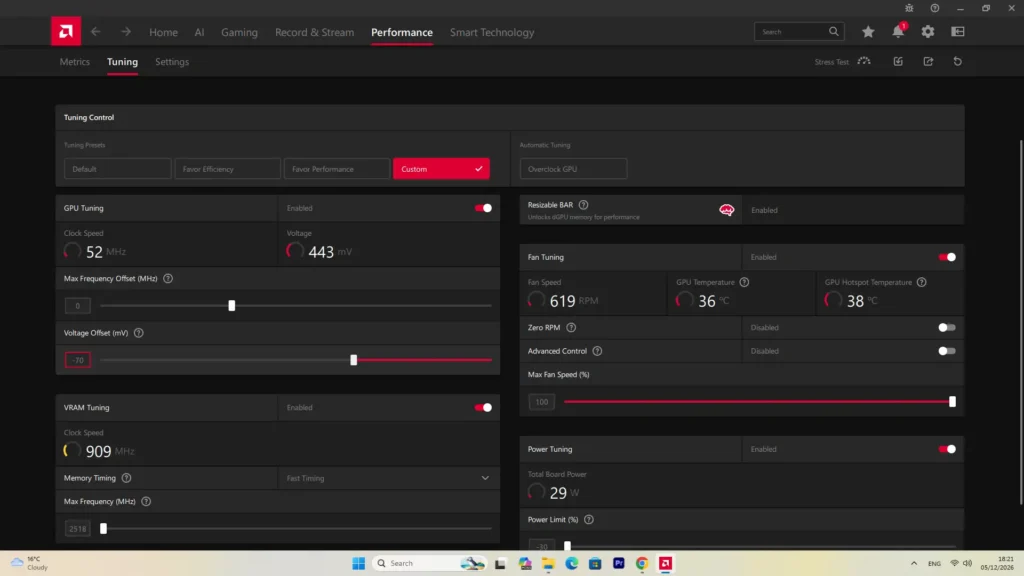
Power consumption dropped from around:
- 330W
to roughly: - 220W.
At the same time:
- temperatures improved,
- noise levels dropped significantly,
- and gaming performance remained extremely close.
After tweaking the settings, the GPU became dramatically quieter in real-world gaming.
This completely changed my opinion of the card.
If you buy a high-end AMD GPU today, I genuinely think undervolting is almost mandatory.
Not because the GPU is bad,
but because the default settings are often unnecessarily aggressive.
Recommended RX 9070 XT Models
If you are planning to buy an RX 9070 XT, these are some of the models worth checking out:
AMD Drivers — Better Than Before, But Still Not Perfect
AMD drivers have improved massively over the years.
That part is true.
However, I still experienced a few strange issues during the first weeks.
One of the biggest problems happened after updating the GPU driver.
Suddenly:
- warning icons appeared,
- some settings behaved strangely,
- and for a moment I honestly thought the GPU had hardware problems.
Thankfully, the fix was simple.
I used AMD’s cleanup utility to completely remove the older driver and then installed a fresh version manually.
After that:
- all issues disappeared,
- the GPU became stable again,
- and everything worked normally.
So overall, my experience with AMD drivers has been mostly positive.
But compared to NVIDIA, there is still occasionally a feeling that things can become messy after updates.
Samsung vs Hynix Memory — Something Buyers Constantly Discuss
One very interesting thing I noticed while reading community discussions and owner feedback is that many RX 9070 XT buyers are not only obsessed with the GPU brand itself.
Instead, many people are specifically hunting for cards using Samsung memory instead of Hynix memory.
Why?
Because according to many user reports online, Samsung-equipped cards often achieve noticeably lower memory temperatures.
This became a surprisingly big topic in enthusiast communities.
People are not just comparing:
- ASUS vs PowerColor,
- Sapphire vs XFX,
- TUF vs PRIME.
They are also trying to figure out:
“What memory chips does this card use?”
That alone shows how deeply enthusiasts now analyze modern GPUs.
Gaming Performance Is Excellent
For pure gaming, I honestly have very few complaints.
This GPU is extremely strong for:
- 4K gaming,
- high refresh rates,
- modern AAA titles,
- future-proof VRAM requirements.
And yes:
the 16GB of VRAM genuinely matters.
Compared to the 12GB on the RTX 3060, the difference becomes much more noticeable in 4K gaming.
Modern games consume massive amounts of memory now, especially with:
- high-resolution textures,
- ray tracing,
- modern lighting systems,
- and large open worlds.
The extra VRAM gives the card much more breathing room.
And unlike some previous GPU generations, the RX 9070 XT rarely feels memory-limited.
AI Software Performance Was Surprisingly Mixed
Now this is where things became very interesting.
For gaming, the RX 9070 XT destroys the RTX 3060.
But for certain AI-based applications?
The results were not always what I expected.
For example, in open-source AI video enhancement tools like Video2X, my old RTX 3060 actually processed videos faster.
This surprised me initially because the RX 9070 XT is built on AMD’s modern RDNA 4 architecture.
However, the explanation is probably simple:
A lot of AI tools are still heavily optimized for NVIDIA hardware and CUDA acceleration.
So even though AMD hardware became much more powerful for AI workloads, software optimization still matters enormously.
That said, the situation may improve over time as more developers optimize applications for RDNA 4.
Interestingly, many users online claim that Topaz Video AI actually performs extremely well on modern AMD GPUs.
Some people even report better experiences than with NVIDIA cards.
Unfortunately, I could not test this myself because Topaz Video AI is paid software.
So I cannot personally confirm those claims.
But it is definitely worth mentioning because many users online consistently report positive results with AMD GPUs in Topaz workflows.
Adobe Premiere Pro Performance Was Better Than Expected
One area where the RX 9070 XT genuinely impressed me was video editing.
Adobe Premiere Pro performance was excellent.
Video rendering felt dramatically faster compared to my RTX 3060.
Timeline responsiveness was also very good overall.
I suspect AMD’s newer Video Core Next (VCN) 4.0 media engine plays a major role here.
Historically, NVIDIA often dominated creative workloads, but modern AMD GPUs have clearly improved significantly in this area.
For content creators who:
- game,
- edit videos,
- render footage,
- and want strong 4K gaming performance at the same time,
the RX 9070 XT feels much more versatile than older AMD generations.
AMD vs NVIDIA in 2026
After using both ecosystems extensively, I think the situation in 2026 is more balanced than many people realize.
NVIDIA still dominates:
- AI software support,
- CUDA workflows,
- professional optimization,
- and overall ecosystem maturity.
But AMD has become incredibly competitive in:
- gaming value,
- VRAM capacity,
- raster performance,
- and software flexibility.
And honestly?
For Linux users, AMD may actually be the better option today.
Even though I personally do not use Linux as my main operating system, many users consistently report smoother experiences with AMD drivers compared to NVIDIA.
The open-source driver ecosystem clearly helps AMD a lot there.
Was Switching to RX 9070 XT Worth It?
For me?
Absolutely yes.
The jump from RTX 3060 to RX 9070 XT completely transformed my 4K gaming experience.
The GPU is:
- powerful,
- future-proof,
- excellent for modern games,
- surprisingly strong for video editing,
- and much more efficient after undervolting.
Of course, it is not perfect.
There are still:
- occasional driver annoyances,
- noise concerns,
- power consumption issues,
- and weaker optimization in some AI tools.
But overall, the positives massively outweigh the negatives.
And considering current GPU pricing, I honestly think the RX 9070 XT is one of the most interesting enthusiast GPUs available right now.
Especially for people who prioritize gaming first.
Final Thoughts
After months of daily usage, I can confidently say this GPU exceeded most of my expectations.
It is not flawless.
But it finally feels like AMD has reached a point where their GPUs are no longer just “cheap alternatives.”
This is a genuinely high-end gaming card capable of delivering an excellent 4K experience.
And with technologies like FSR 4 continuing to improve, AMD GPUs are becoming more attractive every year.
Would I go back to the RTX 3060?
Honestly — no chance.
The RX 9070 XT completely changed what I expect from modern PC gaming.
The Sapphire Pulse RX 9070 XT is probably one of the safest overall choices for most users.