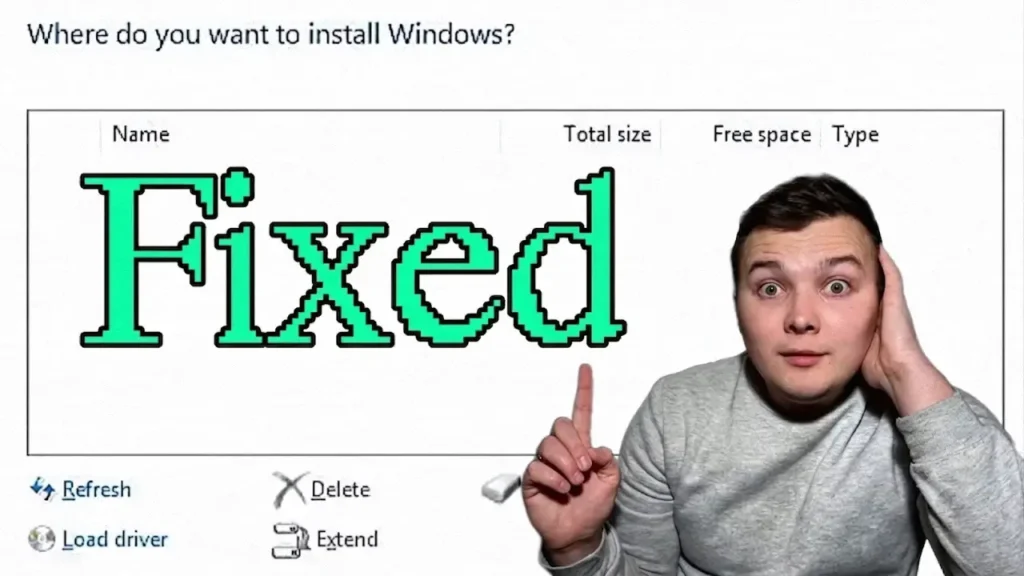
How to fix Windows 11 setup not detecting an SSD or NVMe drive during installation

Windows 11 Installer Doesn’t Detect NVMe SSD? Here’s How I Fixed It

Windows 11 SSD Not Detected during installation? In this guide, I’ll show you the solution that worked for me. Installing Windows 11 on a new SSD should be a straightforward process. You create a bootable USB drive, boot from it, choose the installation location, and continue with the setup. Unfortunately, things do not always go

Windows 11 Installer Doesn’t Detect NVMe SSD? Here’s How I Fixed It Read More »

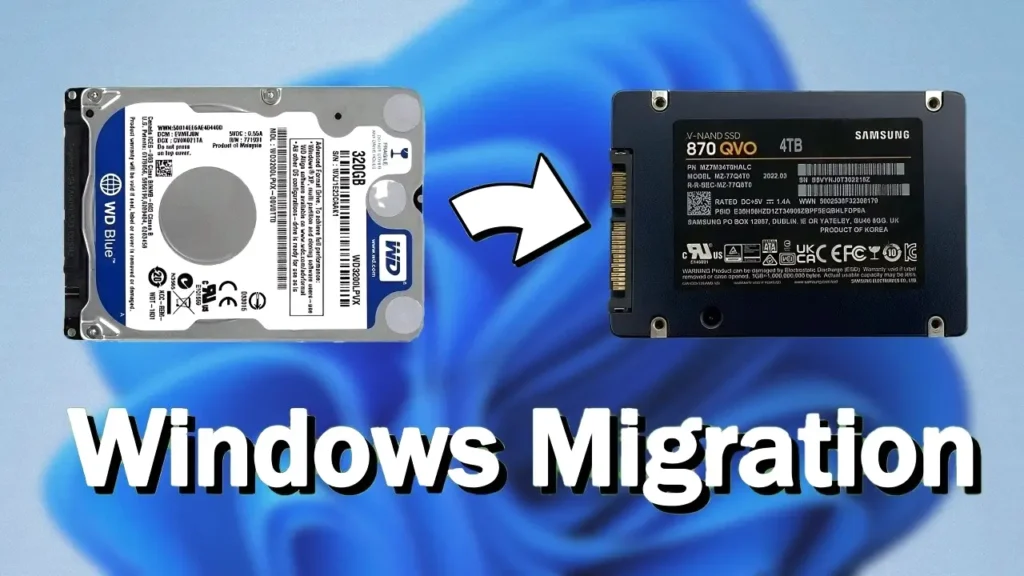
Upgrading from an HDD to an SSD without reinstalling Windows

How to Upgrade HDD to SSD Without Reinstalling Windows (Step-by-Step Guide)

Operating Systems, Windows If your laptop or desktop still uses a traditional hard disk drive (HDD), upgrading to a solid-state drive (SSD) is one of the best improvements you can make. In many cases, an SSD can make an older computer feel significantly faster without replacing the processor or adding more memory. The best part

How to Upgrade HDD to SSD Without Reinstalling Windows (Step-by-Step Guide) Read More »

Windows 11 boot time test on Lenovo ThinkPad X240

Windows 11 on an Old Laptop: Real-World Test on a ThinkPad X240

Windows 11 is often criticized for being too demanding for older hardware. Microsoft officially requires newer processors, TPM 2.0, Secure Boot, and more modern system configurations. Because of this, many people assume that installing Windows 11 on an older laptop automatically results in poor performance and a frustrating user experience. But does that assumption still

Windows 11 on an Old Laptop: Real-World Test on a ThinkPad X240 Read More »

Illustration showing a CPU chip with Turbo Boost technology on a laptop processor

Should You Disable Turbo Boost on a Laptop? Pros, Cons, and Real-World Experience

Laptop overheating is one of the most common problems users face, especially on older machines or thin laptops with limited cooling systems. Loud fans, thermal throttling, reduced battery life, and uncomfortable surface temperatures can quickly turn a good laptop experience into a frustrating one. One solution many users talk about is disabling Turbo Boost technology.

Should You Disable Turbo Boost on a Laptop? Pros, Cons, and Real-World Experience Read More »